# Why Should You Use Top-level Await in JavaScript?
# Why Should You Use Top-level Await in JavaScript?
## A feature that can change the way we JavaScript
JavaScript is a very flexible and powerful language that has transformed the web in this modern era. One of the main reasons for JavaScript to be dominant in web development is that it is continuously improved with major updates often.
One such proposal is concerning a new feature called “top-level await”. This particular feature enables ES modules to act as `async` functions. It allows ES modules to `await` resources and block other modules who `import` them. The modules who `import` an awaiting resource can only evaluate the body after the resources have been settled and are ready.
_This proposal is currently in stage 3, therefore you can’t directly use it in production. But it is beneficial for you to learn it as it will soon be rolled out in the near future._
Don’t worry if it sounds alien. Go on. I’ve got you covered.
# What was wrong with the pre-top-level era?
Before the introduction of top-level await, if you ever try to use the `await` keyword outside of an `async` function, you would receive a Syntax error. To avoid this, developers used Immediately Invoked Function Expressions(IIFEs).
## **_But the above instance and solution is just the tip of the iceberg._**
When you work with ES6 modules, there will be ample instances where you will be exporting values and importing them. Let’s look at such an example.
In the above example, we export and import variables between `library.js` and `middleware.js` . You can name the files in any way you want.
If you carefully have a look, you would notice a `delay` function that basically returns a Promise which would resolve after a timeout. Since it is asynchronous, we use the `await` keyword inside our async IIFE to wait until the execution completes. In a real-world example, the promise would be replaced by a fetch call or a task of asynchronous nature. Once the promise is resolved, we assign values to our variables which are computed from the functions imported from `library.js` . This basically means that our variables are `undefined` until the promise gets resolved.
When you have a look at the end of the above code snippet, you will see that the variables we have calculated are being exported, so that another module can use them.
Let’s look at a module that imports and uses the above-exported variables.
If you run the above code snippet, you will notice that the first two log statements are undefined and the latter print values 169 and 13\. How does this happen?
This is because the exports from the module `middleware.js` are accessed by `main.js` before the completion of the async function. _Remember we had a promise waiting to be resolved…_
_To solve this problem, we should somehow notify the modules importing these variables when it is ready to access them._
## **Workarounds**
There are two commonly used workarounds available for the above problem.
**1.Export a Promise to represent initialization**
You can export the IIFE and can use that to identify when the exports are ready to be accessed. The `async` keyword makes a method **asynchronous**, which in turn [always **returns a promise**](https://developer.mozilla.org/en-US/docs/Web/JavaScript/Reference/Statements/async_function)**.** This is why the async IIFE returns a promise in the below solution.
When you access these exports from `main.js` , you can wait for the async IIFE to resolve and then access the variables.
Although the above solution does the job, it introduces some new problems.
* Everyone should start following this pattern as a standard as you have to find the right promise to wait.
* If another module depends on the variables `squareOutput` and `diagonalOutput` from `main.js` , we should make sure we re-export the IIFE promise as well. So that the other module too knows when to access our variables.
There is another workaround that solves the above-said issues.
**2.Resolve the IIFE promise with the variables that should be exported**
In this workaround, rather than exporting the variables separately, we return them from our async IIFE. This allows our `main.js` file to simply wait for the promise to resolve and retrieve the value.
But this solution too has its own set of complications.
According to the proposal, “this pattern has the undesirable effect of requiring a broad reorganization of the related source into more dynamic patterns and placing much of the module body inside the `.then()` callback in order to use the dynamically available imports. This represents a significant regression in terms of static analyzability, testability, ergonomics, and more, compared to ES2015 modules”.
# How Top-level Await Addresses the Above Problem?
Top-level `await` allows us to let the module system take care of the promises and the coordination amongst them. This makes it really simple on our end.
None of the statements in `main.js` will execute until the `await` promises are resolved in `middleware.js` . This is a much cleaner solution than the mentioned workarounds.
## Note
**You must note that the top-level await only works for ES modules.** The dependencies are required to be explicitly mentioned in order for this to work. The below example from the proposal repo explains this really well.
```
// x.mjs
console.log("X1");
await new Promise(r => setTimeout(r, 1000));
console.log("X2");// y.mjs
console.log("Y");// z.mjs
import "./x.mjs";
import "./y.mjs";//X1
//Y
//X2
```
The above snippet will not print `X1,X2,Y` as expected. This is because `x` and `y` are adjacent modules that do not depend on each other.
I would highly suggest you read the [FAQ of the docs](https://github.com/tc39/proposal-top-level-await#faq) to gain a thorough understanding of this awesome feature.
# Implementation
## V8
You can try out the above solution as mentioned in the [docs](https://github.com/tc39/proposal-top-level-await#implementations).
I used the V8 method to try this out. Simply find out the file location of Chrome on your PC. Make sure all instances of Chrome are closed. Now open command prompt and run the below command in the folder where Chrome is installed.
```
chrome.exe --js-flags="--harmony-top-level-await"
```
The above command will open Chrome with top-level await feature enabled.
You can try this on Node as well. Read this [guide](https://medium.com/@pprathameshmore/top-level-await-support-in-node-js-v14-3-0-8af4f4a4d478) to know more.
## ES Modules
Make sure you include `type=module` in your script tag.
```
```
**Moreover, you must note that unlike regular scripts, ES6 modules are subject to CORS policy. Therefore you have to serve them from a server.**
_I used XAMPP Apache for my testing purposes._
# Use Cases
According to the [proposal](https://github.com/tc39/proposal-top-level-await#use-cases), these are the use cases.
## Dynamic dependency pathing
```
const strings = await import(`/i18n/${navigator.language}`);
```
This allows modules to use runtime values to evaluate the dependencies. This is useful for things like development/production splits, internationalization, environment splits, etc.
## Resource initialization
```
const connection = await dbConnector();
```
This helps the modules to represent resources and also to create errors in cases where the module can not be used. This can help with a fallback solution as shown below.
## Dependency fallbacks
The below examples show how top-level await can be used to load dependencies with a fallback implementation. If the import from CDN A fails, the below code using top-level await can import jQuery from an alternate CDN B.
```
let jQuery;
try {
jQuery = await import('https://cdn-a.example.com/jQuery');
} catch {
jQuery = await import('https://cdn-b.example.com/jQuery');
}
```
# Criticisms
Rich Harris compiled a list of [criticisms](https://gist.github.com/Rich-Harris/0b6f317657f5167663b493c722647221) regarding the top-level await feature. This is what it contained.
* Top-level `await` could block the execution of code.
* Top-level `await` could block the fetching of resources.
* There would be no clear interop story for CommonJS modules.
The proposal’s FAQ directly addresses these criticisms.
* As siblings are able to execute, there is no definitive blocking.
* Top-level `await` occurs during the execution phase of the module graph. At this point, all resources have already been fetched and linked. There is no risk of blocking fetching resources.
* Top-level `await` is limited to modules. There is explicitly no support for scripts or for CommonJS modules.
I would highly suggest you read the [FAQ](https://github.com/tc39/proposal-top-level-await#faq) of the proposal to deepen your understanding of this feature.
I hope you got a great understanding of this awesome new feature. How eager are you to try out this cool feature? Comment below.
## **Share your reusable components** between projects using [**Bit**](https://bit.dev/)
[Bit](https://bit.dev) ([GitHub](https://github.com/teambit/bit)) makes it simple to share, document, and organize independent components from any project**.**
Use it to maximize code reuse, collaborate on independent components, and build apps that scale.
[**Bit**](https://bit.dev/) supports Node, TypeScript, React, Vue, Angular, and more.
[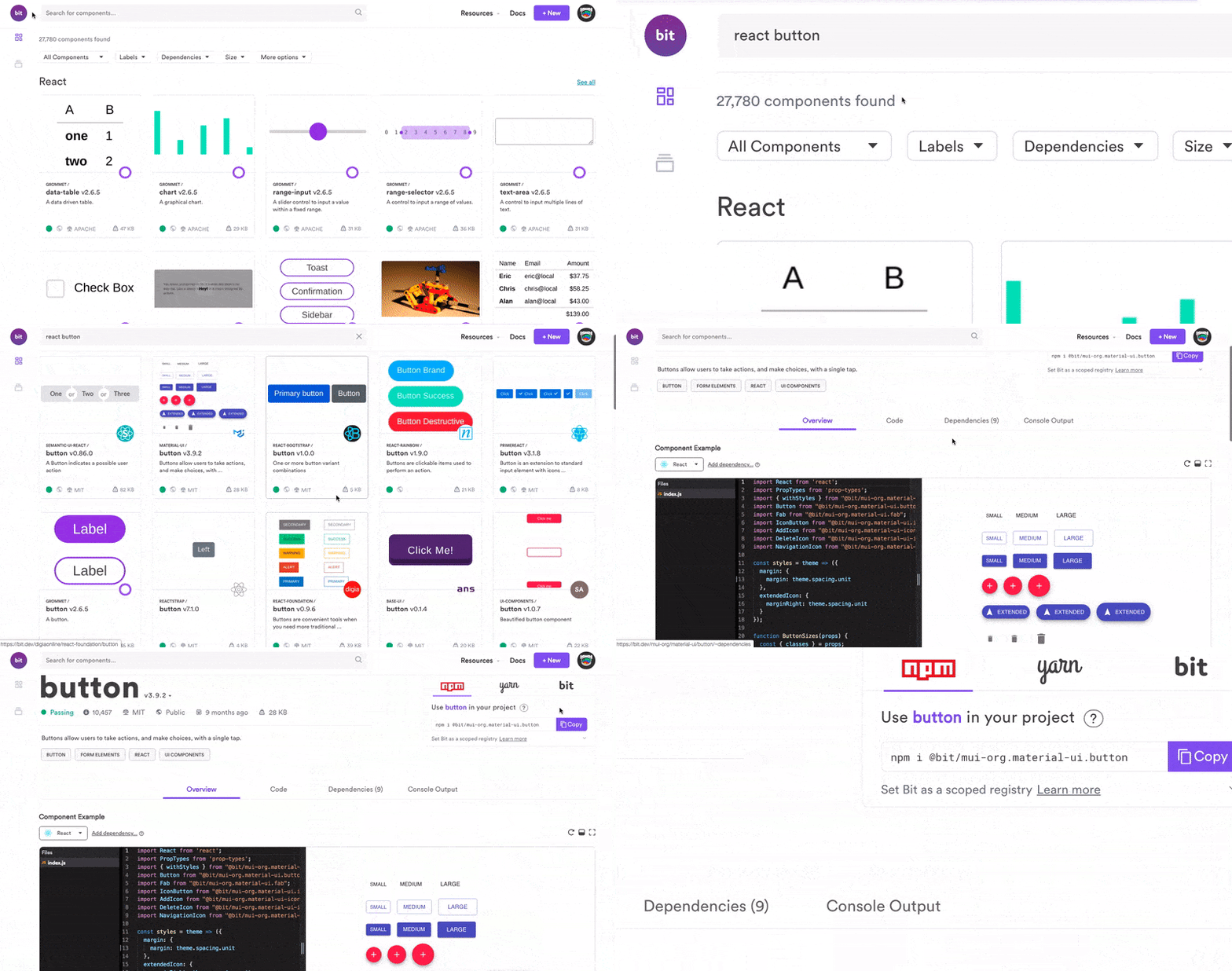
](https://bit.dev) Exploring components shared on [Bit.dev](https://bit.dev) [## The shared component cloud
### Bit is a scalable and collaborative way to build and reuse components. It's everything you need from local development…
#### bit.dev](https://bit.dev)
# Learn More
[## Build Scalable React Apps by Sharing UIs and Hooks
### How to build scalable React apps with independent and shareable UI components and hooks.
#### blog.bitsrc.io](/build-scalable-react-apps-by-sharing-uis-and-hooks-fa2491e48357) [## How We Build Micro Frontends
### Building micro-frontends to speed up and scale our web development process.
#### blog.bitsrc.io](/how-we-build-micro-front-ends-d3eeeac0acfc) [## Maximizing Code Reuse in React
### How to speed-up development by sharing ReactJS components from any codebase, using Bit
#### blog.bitsrc.io](/maximizing-code-reuse-in-react-35ee20ad362c)
**Resources** [Spec Proposal](https://github.com/tc39/proposal-top-level-await)
[V8 Blog](https://v8.dev/features/top-level-await)
 ](https://bit.dev) Exploring components shared on [Bit.dev](https://bit.dev) [## The shared component cloud
### Bit is a scalable and collaborative way to build and reuse components. It's everything you need from local development…
#### bit.dev](https://bit.dev)
# Learn More
[## Build Scalable React Apps by Sharing UIs and Hooks
### How to build scalable React apps with independent and shareable UI components and hooks.
#### blog.bitsrc.io](/build-scalable-react-apps-by-sharing-uis-and-hooks-fa2491e48357) [## How We Build Micro Frontends
### Building micro-frontends to speed up and scale our web development process.
#### blog.bitsrc.io](/how-we-build-micro-front-ends-d3eeeac0acfc) [## Maximizing Code Reuse in React
### How to speed-up development by sharing ReactJS components from any codebase, using Bit
#### blog.bitsrc.io](/maximizing-code-reuse-in-react-35ee20ad362c)
**Resources** [Spec Proposal](https://github.com/tc39/proposal-top-level-await)
[V8 Blog](https://v8.dev/features/top-level-await)
](https://bit.dev) Exploring components shared on [Bit.dev](https://bit.dev) [## The shared component cloud
### Bit is a scalable and collaborative way to build and reuse components. It's everything you need from local development…
#### bit.dev](https://bit.dev)
# Learn More
[## Build Scalable React Apps by Sharing UIs and Hooks
### How to build scalable React apps with independent and shareable UI components and hooks.
#### blog.bitsrc.io](/build-scalable-react-apps-by-sharing-uis-and-hooks-fa2491e48357) [## How We Build Micro Frontends
### Building micro-frontends to speed up and scale our web development process.
#### blog.bitsrc.io](/how-we-build-micro-front-ends-d3eeeac0acfc) [## Maximizing Code Reuse in React
### How to speed-up development by sharing ReactJS components from any codebase, using Bit
#### blog.bitsrc.io](/maximizing-code-reuse-in-react-35ee20ad362c)
**Resources** [Spec Proposal](https://github.com/tc39/proposal-top-level-await)
[V8 Blog](https://v8.dev/features/top-level-await)